



Luckysheriff Mobile Platform
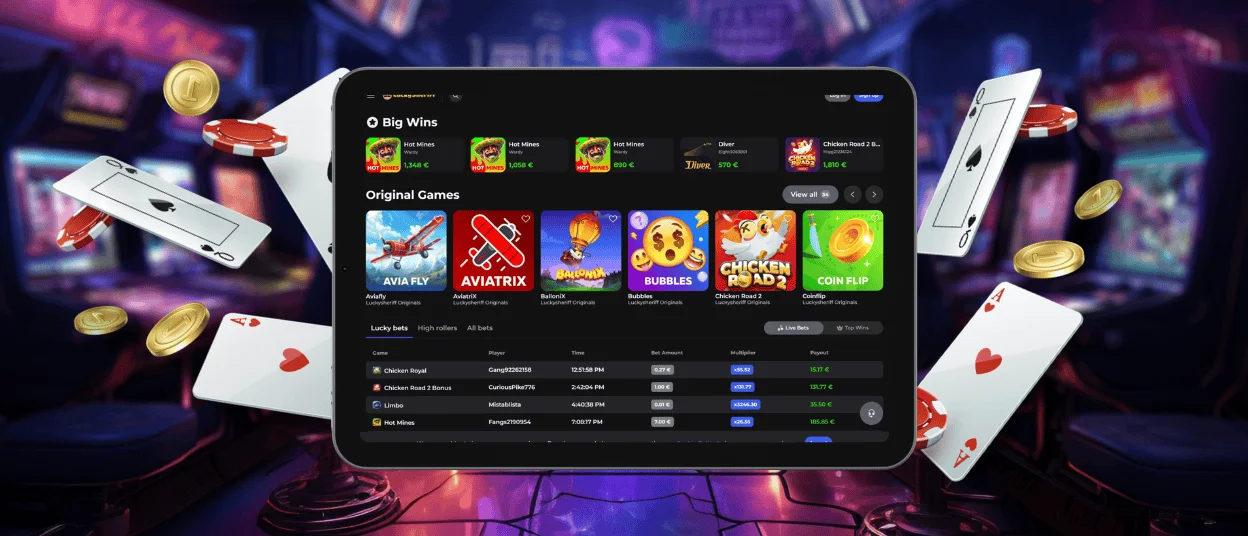
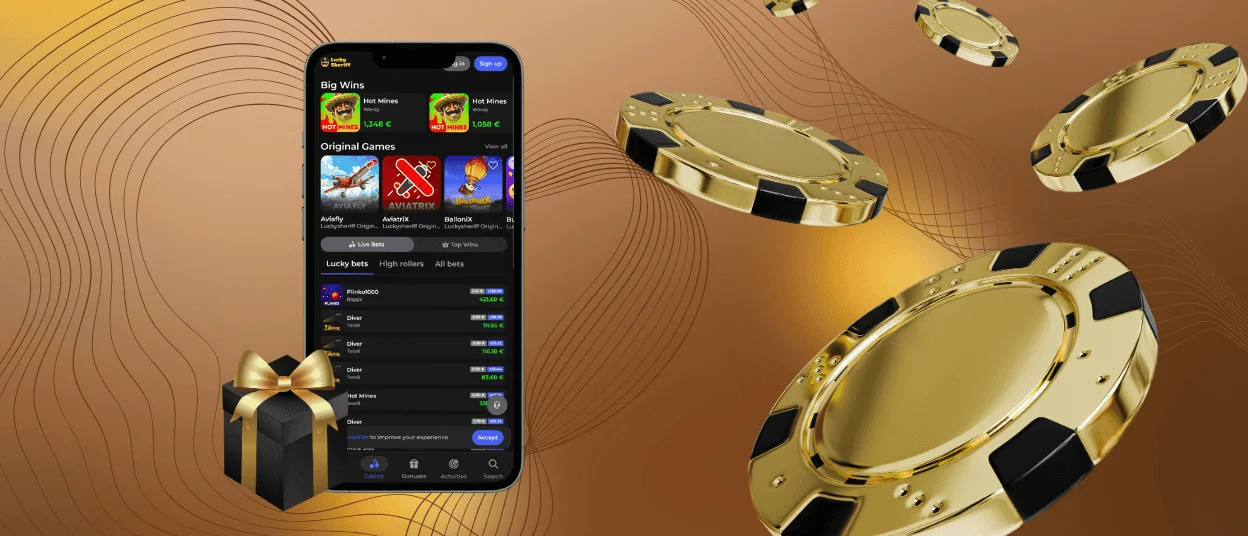
We offer our players the Luckysheriff app so they can access our slots and live tables straight from their phones. Fast and simple casino games are perfect for mobile play, and we add bonuses and special payment methods to this setup. The app can be installed in a few seconds from our official website on Android and iOS devices.



Using Luckysheriff Casino on Mobile
Since a lot of people use their smartphones today for a quick session, Lucky Sheriff Casino offers a full mobile gaming experience. First, we have a website that adapts to small screens. If you have a browser like Chrome or Safari on your gadget, you can just log in and find the same games and features we keep on the PC version.
For a more direct route, you can install the Luckysheriff app. Here is what you get when you run it:
- The program runs as a PWA, so it barely touches your phone’s memory but still handles all the casino’s functions perfectly.
- We arranged the menus so you can comfortably press the buttons with one finger. This works great for basic online slots as well as table games with numerous bet options like roulette.
- The app lets you enable push notifications. We use these alerts to point out the Sunday bonus or to let you know a tournament is starting.
When you play on your phone, your data is kept safe. We use web application firewalls alongside payment tokenization and encryption to protect your financial details from the moment you deposit at Luckysheriff.
Luckysheriff Android Mobile App
Setting up the Lucky Sheriff app is very straightforward if you own a recent Android smartphone like a Samsung or Xiaomi. We built the software to use almost no storage, so it handles fast crash games like Aviator perfectly fine on older devices.
Managing your account is also simple. When you need to complete the verification process, you just snap a photo of your documents and attach it straight from your phone’s gallery. You never have to download a Luckysheriff APK. Here is how to get the app on your device:
| What to do | Specifics |
| Go to the casino | Just load the Luckysheriff Casino site in your regular Chrome browser. |
| Find the options | Tap the menu icon with the three dots at the top of the screen. |
| Confirm | Hit “Add to home screen”. The Lucky Sheriff Casino shortcut will appear in your app list. |
Luckysheriff App on iOS
We also made sure the platform fits perfectly on iPhones and iPads. Having the app on your phone means you can easily check your leaderboard position in our tournaments or finish up your daily missions.
You can also activate 2FA in the account menu so no one else can enter your profile. There is no need to browse the App Store looking for Luckysheriff Casino. You can add it straight from our website.
| What to do | Specifics |
| Launch Safari | Navigate to the site in your browser. |
| Open the menu | Find the Share button at the bottom of your screen. |
| Install | Select “Add to Home Screen” from the pop-up menu, and you are done. |
Windows and macOS Applications
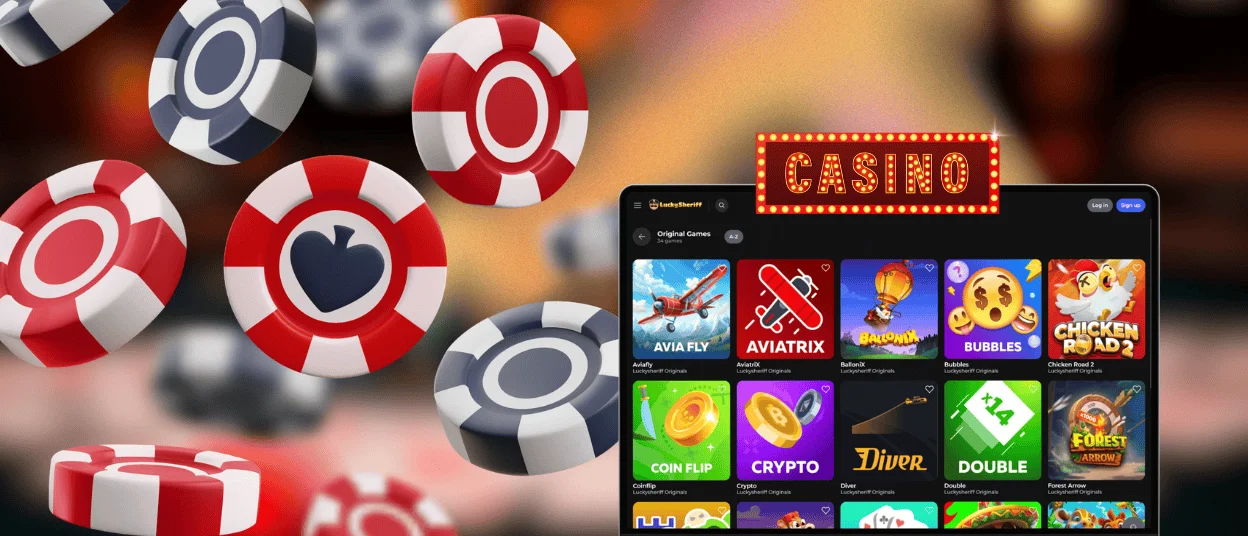
If you prefer to play on a computer but want to avoid keeping multiple browser tabs open, we have that covered. You can get the Luckysheriff app right on your desktop. Playing on a large monitor makes it easy to enjoy colorful live shows like Sweet Bonanza Candyland or Money Time. All your betting options fit neatly on one screen.
If you prefer using a mouse to place your bets, you will find the layout very comfortable. The application runs smoothly across all major operating systems.
How to Install on Windows
You can add the Luckysheriff Casino app to your Windows PC directly through your web browser. Just load our homepage in Chrome or Edge, and hit the install prompt up in the address bar. This creates a desktop shortcut so you can bypass the browser completely.
Luckysheriff App on macOS
Apple users can set up a shortcut using Safari. You just pin the casino to your Dock using the browser’s built-in share options. It opens as its own window to keep your gaming isolated from your other work.
FAQ
Is Creating an Account Required to Use the Lucky Sheriff App?
You can look around the platform and check out our available games without signing up. You can even test many titles in demo mode just to see how they work. If you want to bet real money, you will need to create an account. Setup takes only a minute. We just ask for your email and some basic personal details to get started.
Does the Lucky Sheriff Casino App Offer Customer Support?
We have a support team available 24/7 to help you out. You can open the live chat directly inside the mobile casino. This makes it easy to contact our agents from your phone the moment you have a question. They reply quickly to get you back to the games.
How Can I Update the Luckysheriff App?
You never have to worry about manual updates. The app pulls data from the main site, so it syncs new features automatically as soon as we release them. If you keep your notifications active, we will alert you when we put together a new promotion or add extra games.


